Marketing agencies don’t run out of a single office anymore. Account managers log into ad platforms from home. A freelance contractor on retainer might work from three different countries in three months and never touch the agency’s own network. That flexibility is one of the best things to happen to the industry in years, and few agencies want to give it back.
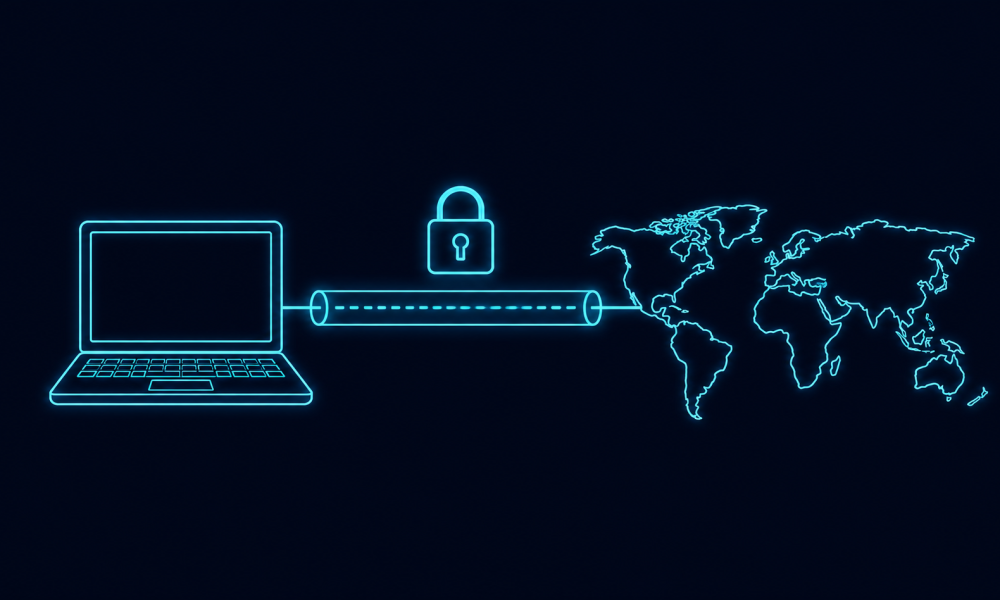
The catch is that every one of those logins travels over whatever network happens to be closest, and not all of those networks deserve the trust they get. Hotel routers, airport Wi-Fi, and a client’s guest network were never built with an agency’s security in mind. A simple first move is to encrypt that connection before opening anything sensitive: if that isn’t set up yet, see how to install ExpressVPN on your device before the next work trip or coffee-shop afternoon.
Why agency logins are a bigger target than they look
Most marketing work now happens outside a controlled office network. A benchmarking survey by AgencyAnalytics found that 97 percent of agencies work remotely at least some of the time, and 70 percent operate as fully remote teams. That means the typical account manager is logging into a client’s ad account, CMS, or analytics dashboard from a laptop that moves between the home office and whatever public network happens to be nearby that week.
Each of those logins is worth more to an attacker than it looks. Someone with access to an ad account can redirect spend or launch fraudulent campaigns under a client’s name. A stolen CMS login can be used to plant malicious code on a client’s live website. Pulling either off doesn’t take much skill, just an unprotected connection at the wrong moment.
Everyday habits that actually reduce the risk
Most agency security failures trace back to a handful of repeatable habits rather than anything exotic. A few are worth building into daily practice:
- Turn on a VPN before joining any network you don’t control, including a client’s guest Wi-Fi.
- Use a password manager with a unique login for every client platform, instead of one password reused across accounts.
- Enable multi-factor authentication wherever a client’s ad account, CMS, or analytics tool allows it.
- Set devices to lock automatically after a short idle period, especially laptops that travel.
- Log all the way out of client accounts, not just close the tab, once a project wraps.
These take a few minutes to set up. Once they’re routine, nobody on the team even notices the extra step.
Matching security to how the agency actually works
Consistency matters more than complexity here. IBM’s Cost of a Data Breach report has found, year after year, that incidents involving remote work cost more and take longer to contain than the average breach. For an agency juggling logins across several clients at once, that gap is the difference between a quiet Tuesday and an uncomfortable call with a client’s legal team.
Basic habits close most of that gap on their own. Agencies that want a clearer picture of where they’re still exposed, particularly ones handling sensitive client data or a rotating cast of remote contractors, sometimes bring in a deeper check, such as a cybersecurity penetration testing service, to catch gaps that daily habits alone won’t reveal.
Getting this right doesn’t require anyone on the team to become a security expert. It just means making the boring parts, encrypted connections, unique passwords, a screen that locks itself, automatic enough that nobody has to think about them mid-deadline. An agency that gets the basics right protects its clients and its own reputation at the same time.