Sitetrail · WordPress & WooCommerce
A customer is reading your website at 10 p.m. They have a question that could determine whether they buy. Why should their next step be finding a telephone number, opening another app and hoping somebody answers?
An AI receptionist can meet them where they already are.
AI Live Chat Pro by Sitetrail brings that approach to WordPress and WooCommerce. Its Instant Call feature lets visitors have a voice to voice conversation through the website, with an assistant available 24/7. There is no business telephone number to dial and no phone provider to connect for that browser conversation.
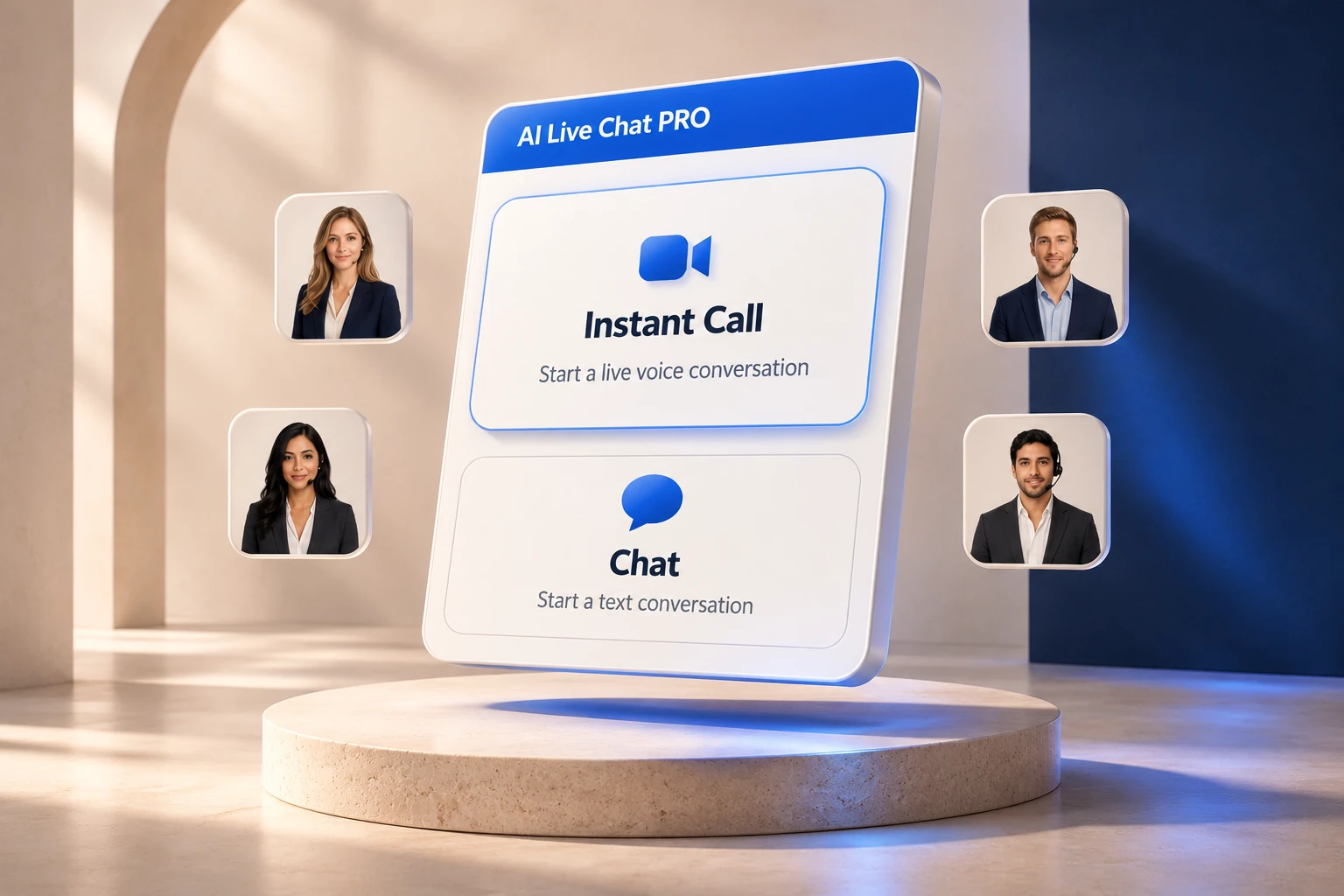
This is a compelling direction for the future of reception: a business becomes reachable through the experience its customer is already using. The website can explain, listen and help, rather than simply point elsewhere.
A direct route to your business
Traditional AI receptionists usually answer telephone calls. A business uses a supplied number, forwards an existing line or connects a telephone system. That approach makes sense when customers already call the business.
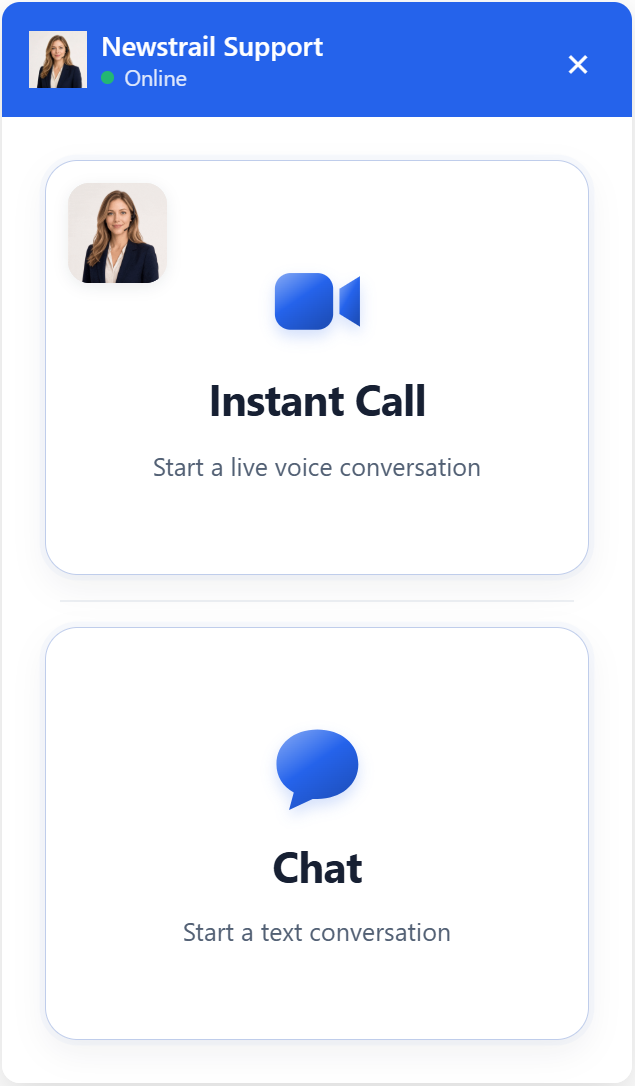
AI Live Chat Pro starts with the website instead. Visitors choose Instant Call, enter their name and email, allow microphone access and speak through their browser. They need an internet connection and a compatible device, but the conversation does not depend on dialing a telephone number.
The distinction matters for an online store, consultancy or agency whose enquiries begin on a landing page. The customer can ask a question while the relevant service or product remains in view.
It also removes telephone provisioning from this particular setup. There is no number to port or call forwarding to arrange. The website and AI service still require configuration, but the business avoids adding a telephone workflow just to speak with website visitors.
Fewer steps. A closer connection.
Imagine cutting out the phone provider, the WhatsApp handoff, the Viber message, the Telegram chat, the Facebook Messenger window and the Zoom or Teams meeting link. For a customer who is already on your website, that first conversation can happen right there.
No business number to find. No messaging app to open. No separate meeting to arrange. Your visitor chooses Instant Call, enters their name and email and speaks to your AI receptionist.
You can keep those other channels wherever they serve your business. The difference is that your website no longer needs to send every visitor somewhere else just to get an answer.
Capture the details. Answer with business knowledge. Keep the conversation context for your team.
No number to dial. Details to follow up.
Not needing a business number does not mean losing the customer’s contact details.
Instant Call collects the visitor’s name and email before microphone access and saves them with the conversation. The team therefore has a contact record when somebody asks for further help.
For text chat, enabling the pre-chat form and its Require Phone setting makes the visitor enter a phone number before starting. That number is stored in Chat History and can be included in configured emails and contact integrations. The direct Instant Call form in this version collects name and email only.
The practical benefit is straightforward: the first conversation happens immediately online, while the business retains a route for a human follow up. A prospective buyer can receive an explanation now, and the team can continue the discussion later with useful context.
A familiar face. Useful answers.
A receptionist becomes more useful when it understands what the visitor is looking at. AI Live Chat Pro can draw on business instructions, FAQs, selected website content and product information, with optional context from the current page.
Text chat and Instant Call share that business knowledge. Visitors can choose how to communicate, and spoken captions become part of the conversation history. Someone who starts speaking can continue in text within the same thread.
For WooCommerce stores, the wider plugin includes product recommendation cards and optional order lookup. Order lookup checks the order number and checkout email against store information; private order details stay in the text flow. These are distinct capabilities within the same customer interface, rather than a promise that every task happens by voice.
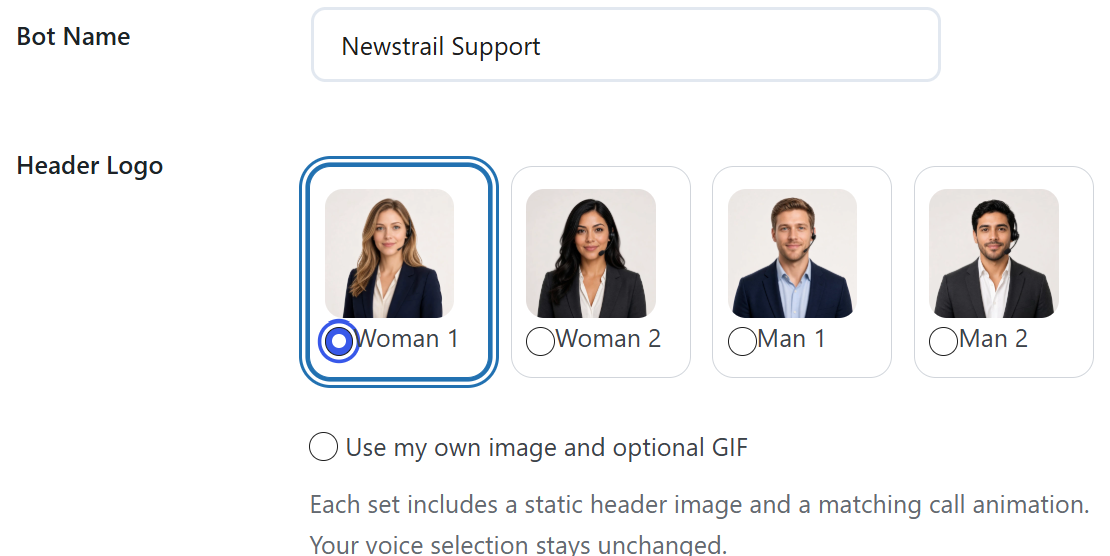
The assistant’s name, colours, welcome, voice and animated portrait can also be adapted to the business. The result is a recognisable point of contact within the site, supported by information the business controls.




A better informed team
Answering an enquiry is only part of the job. Owners also need to understand what happened, which opportunities deserve attention and where customers are getting stuck.
AI Live Chat Pro includes conversation history and analytics for chat volume, handoffs, average session duration and visitor ratings. Optional Lead Scoring classifies eligible conversations as support enquiries, potential buyers, hot buyers and other intent categories, with a confidence level and reason. This helps teams prioritise follow up using the conversation itself.
The value also extends beyond individual leads. Repeated questions about delivery, service scope or product suitability can reveal weaknesses in the website itself. Reviewing those conversations gives a business evidence for improving its explanations and support material.
Configured integrations can create HubSpot contacts, subscribe contacts to a Mailchimp audience, notify Slack and send a webhook when a chat ends. Optional WhatsApp buttons offer another route to the team. That channel uses a company WhatsApp number; it does not make a number necessary for Instant Call.
Choose the right fit
The following comparison focuses on the job each product is designed to do, rather than declaring one universal winner. Telephone deployments still involve a number, but setup is not always complicated: several providers support straightforward forwarding or supply a new number. Some platforms also offer additional digital channels.
| Tool | Main approach | Where it fits |
|---|---|---|
| AI Live Chat ProFrom Sitetrail | Website voice and text for WordPress and WooCommerce | Strong fit for businesses that want visitors to speak directly through their site, capture contact details and review conversations without provisioning a business phone number for Instant Call. |
| Smith.ai | AI telephone reception with human escalation options | Suits businesses prioritising structured intake, lead qualification and access to live receptionists. Offers recordings, transcripts, summaries and performance reporting. |
| Goodcall | AI answering for business telephone calls | Focuses on answering enquiries, capturing leads and connecting conversations with business workflows. Relevant when incoming phone calls are the primary opportunity. |
| RingCentral AI Receptionist | Conversational telephone answering and routing | Handles routine questions, appointment booking and routing to team members. A natural shortlist option for businesses evaluating reception alongside business communications. |
| Quo Sona | AI agent within a business phone platform | Answers calls, takes messages and captures leads. Particularly relevant to teams that want reception connected to their existing Quo calling and messaging workflow. |
| Frontdesk | Reception across calls, texts, email and chat | Combines answering, appointment booking and follow up with a broader customer management offering. Suits businesses seeking several communication channels in one platform. |
| Rosie | AI phone answering for small businesses | Offers call handling, message capture and call records, including summaries, transcripts and recordings. Useful for service businesses that need coverage while staff are working elsewhere. |
| Dialzara | AI telephone answering with additional communication agents | Supports an existing number through forwarding, appointment booking and lead qualification. Call recordings and summaries provide visibility into the interactions it handles. |
| Nextiva XBert | AI receptionist across phone, SMS and web chat | Answers questions, captures leads, schedules appointments and routes enquiries. Relevant to teams seeking automated reception across several customer contact channels. |
| ReceptionHQ | Hybrid AI and human telephone answering | Uses forwarded business calls, with AI handling routine enquiries and live receptionists available for more involved situations. Human backup is a central distinction. |
| Zoom Virtual Agent Receptionist | AI reception for telephone environments | Handles business questions, routing and appointment workflows. Its standalone option extends beyond Zoom Phone, so adopting Zoom’s phone system is not universally required. |
| Abby AI Receptionist | AI reception with human or hybrid service options | Combines telephone answering, appointment booking and bilingual service with transcripts and summaries. Relevant when the operating model includes professional receptionist support. |
| Phonely | Configurable AI agents across voice and other channels | Offers call history, recordings, transcription and AI analytics alongside integrations. Suits teams that want to build and optimise more extensive conversation workflows. |
| echowin | AI phone and chat agent platform | Combines business knowledge, workflows, conversation visibility and analytics. Useful for organisations wanting configurable agents across several channels rather than a single website plugin. |
| Synthflow | AI voice automation within telephone systems | Focuses on contact centres, service operations and businesses with integrated workflows. Offers receptionist use cases within a broader platform for handling calls and updating business systems. |
Reception, built around the visitor
Telephone reception will remain important. Customers calling from a directory, a saved contact or a sign outside a business still need somebody to answer that number.
But a website visitor is already inside a different experience. Requiring them to leave it creates an additional step at the moment they want help. Browser voice makes it possible to ask, understand and continue browsing without that interruption.
The larger opportunity is continuity. The customer’s question, the relevant business information, their submitted contact details and the conversation history can support one connected interaction. Staff can spend less time reconstructing the enquiry and more time handling the part that needs their judgement.
This is why the future of reception should be judged by access and usefulness, not simply by how convincingly software answers a phone. A digital receptionist should make a business easier to reach and leave its people better informed.
For businesses built around WordPress and WooCommerce, AI Live Chat Pro offers a practical way to explore that future. Instant Call uses OpenAI voice technology, with AI provider usage billed separately from the plugin licence. A free trial lets businesses evaluate the experience against their own questions and workflows.